Created
Jan 7, 2025
·
15
Steps
تصدير بيانات الاتصال في Affinect
عاطفة
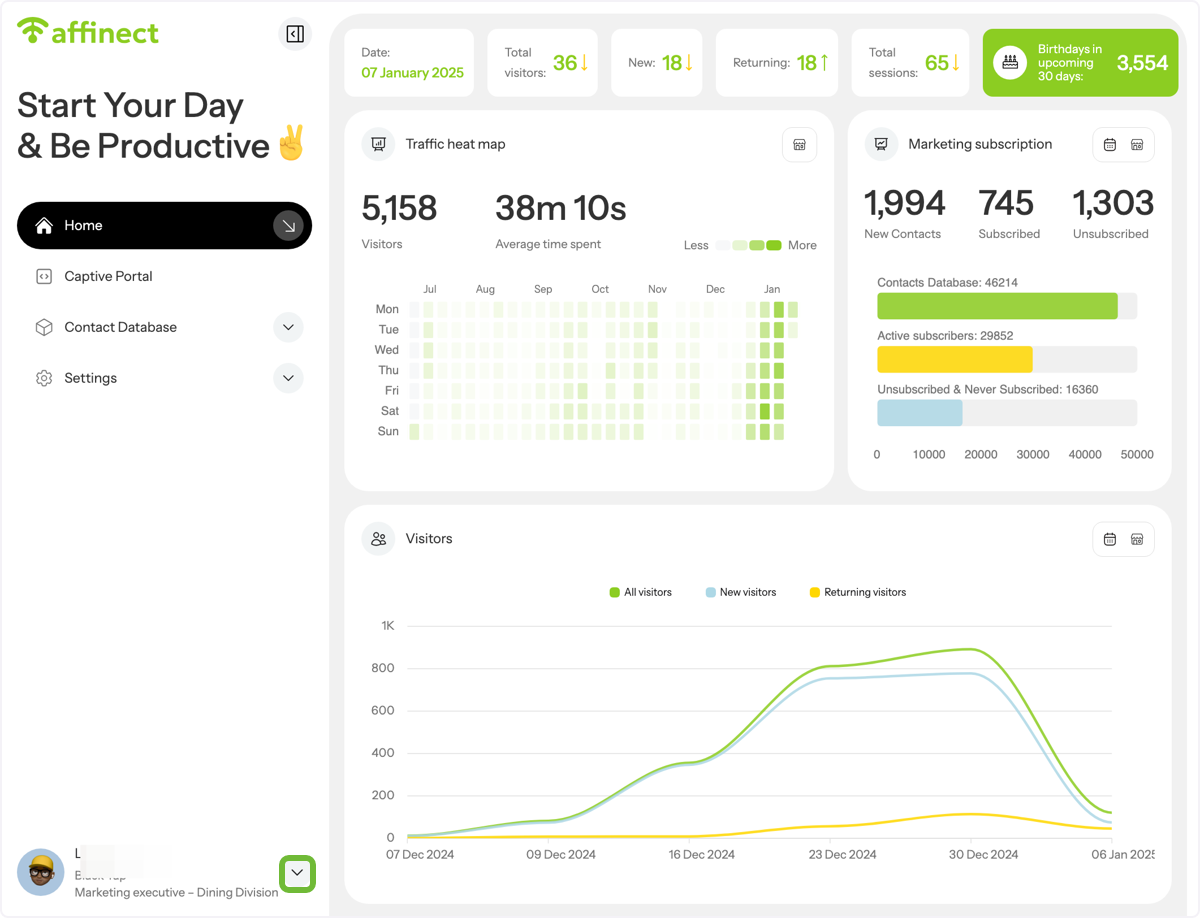
Click on menu in the bottom left corner
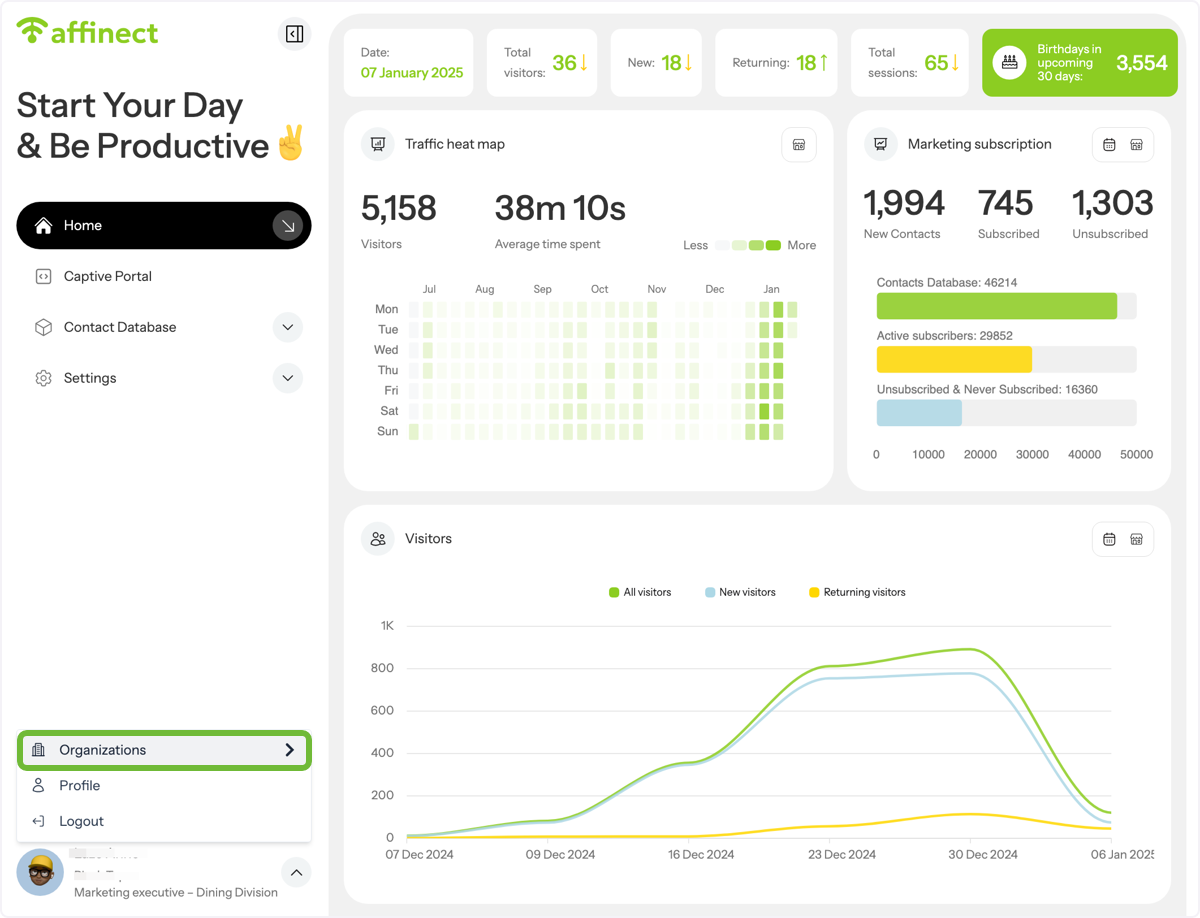
Click on Organizations
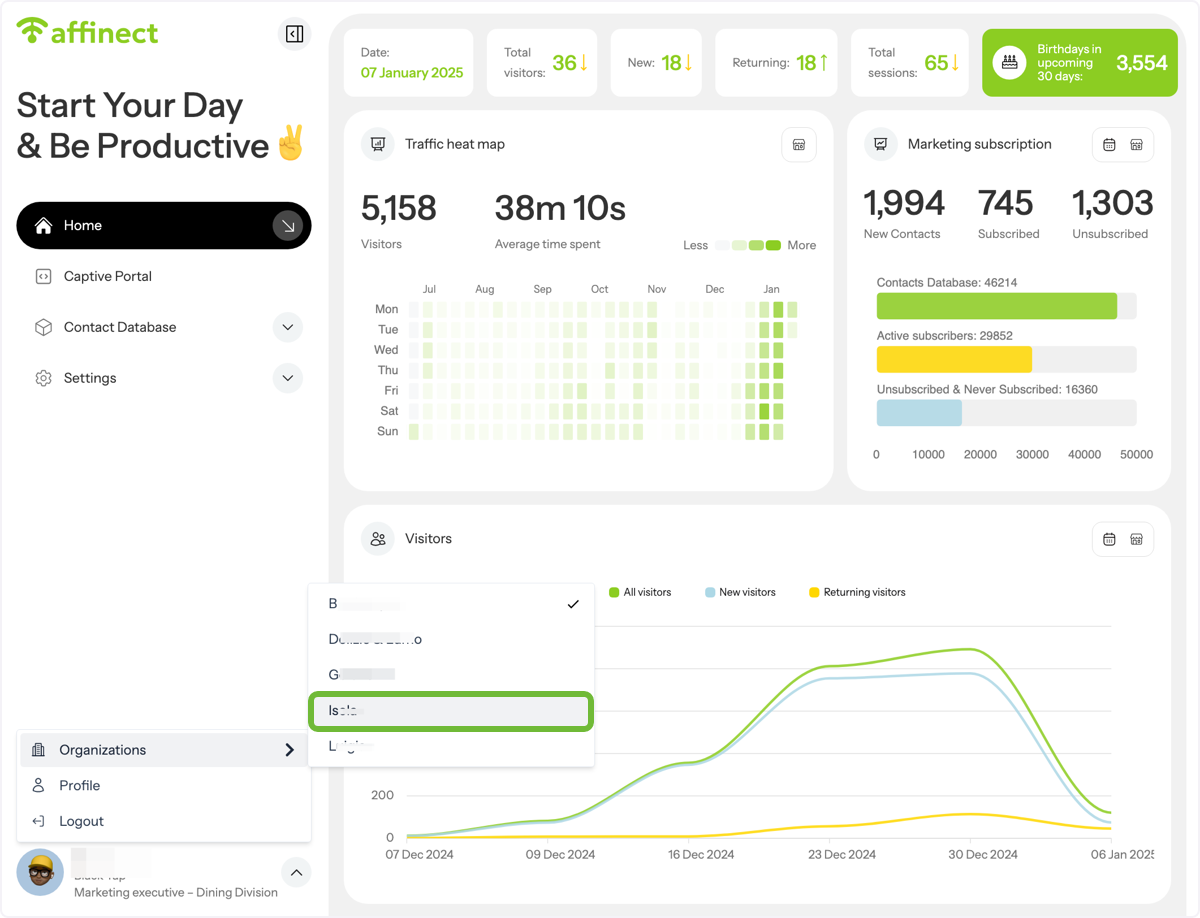
Select organization/venue name to switch access
Click on Contact Database
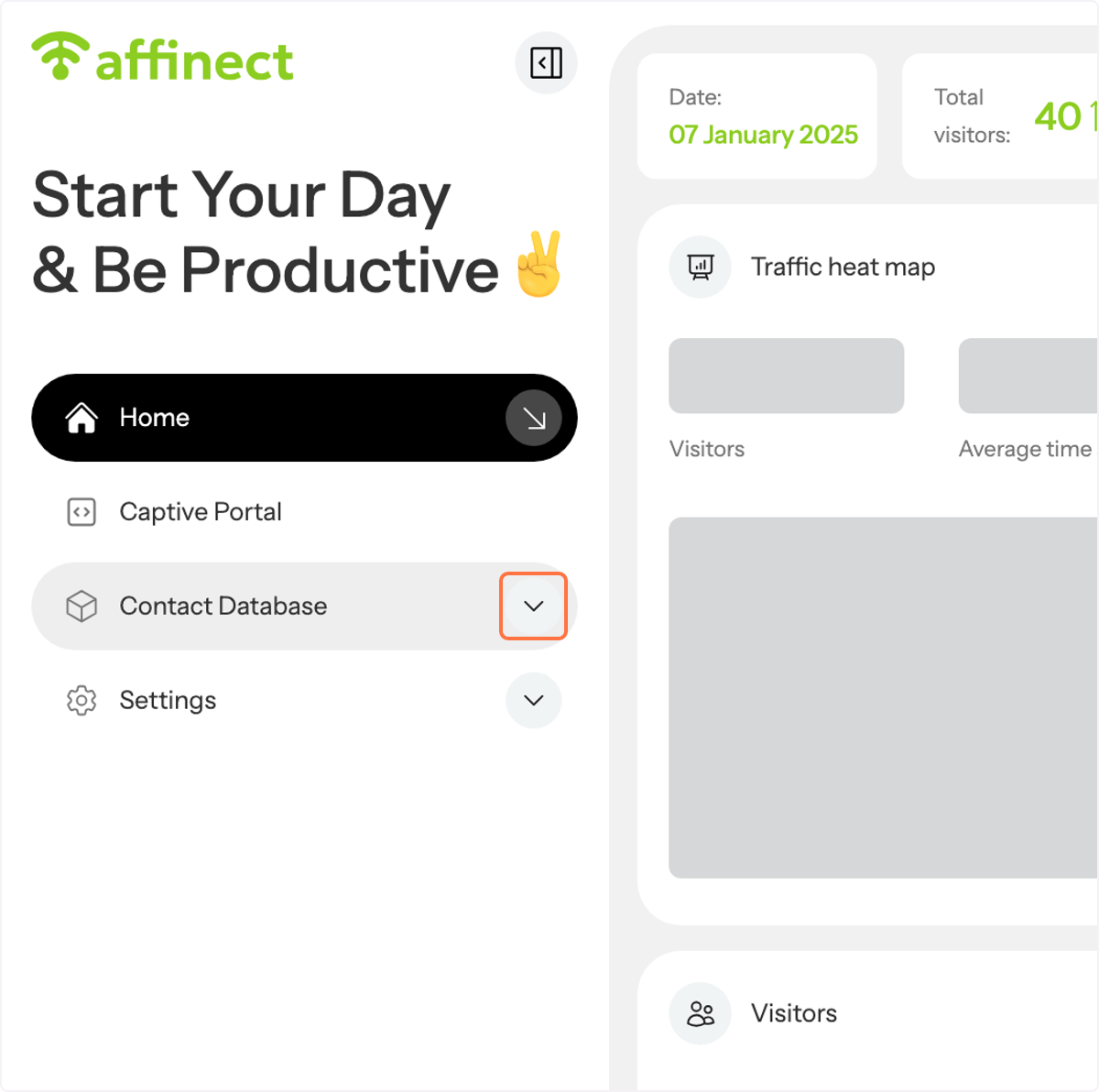
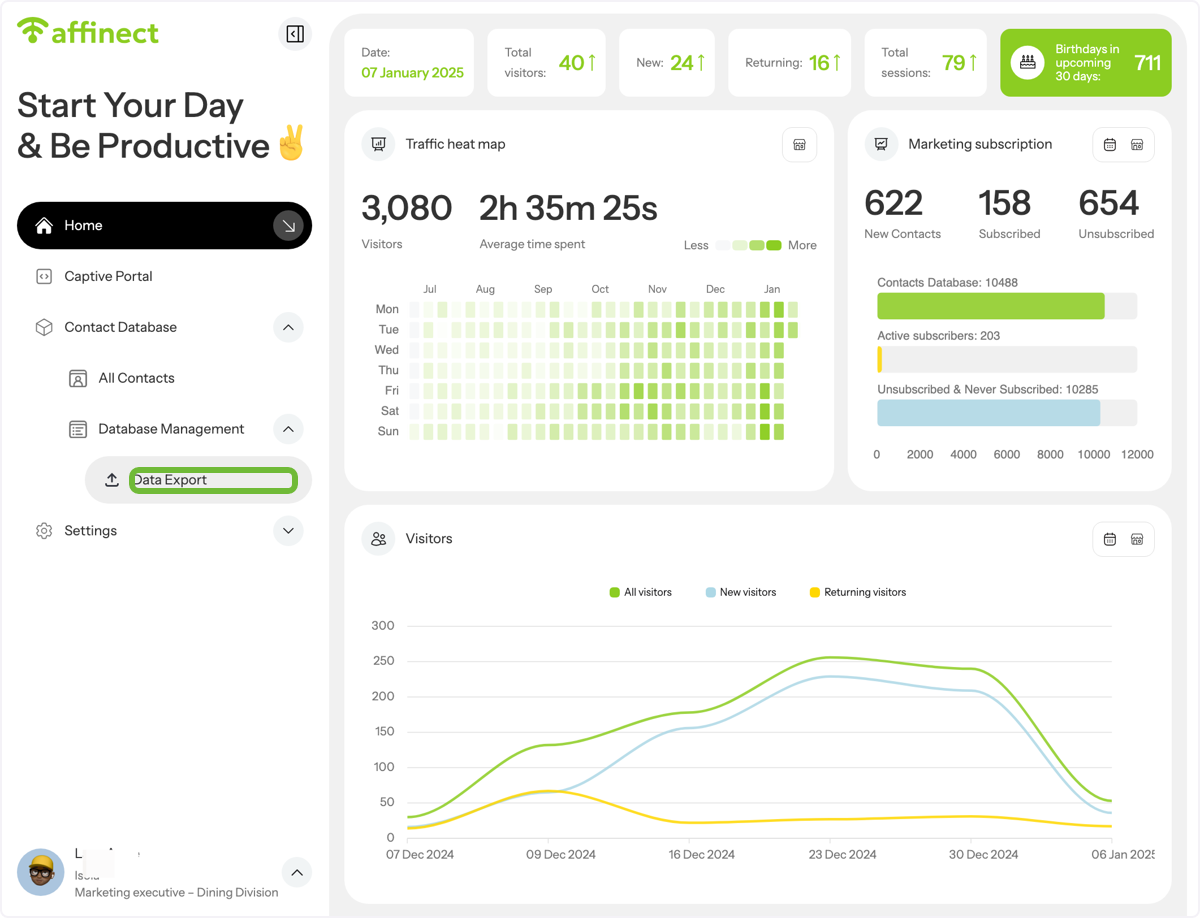
Click on Data Export
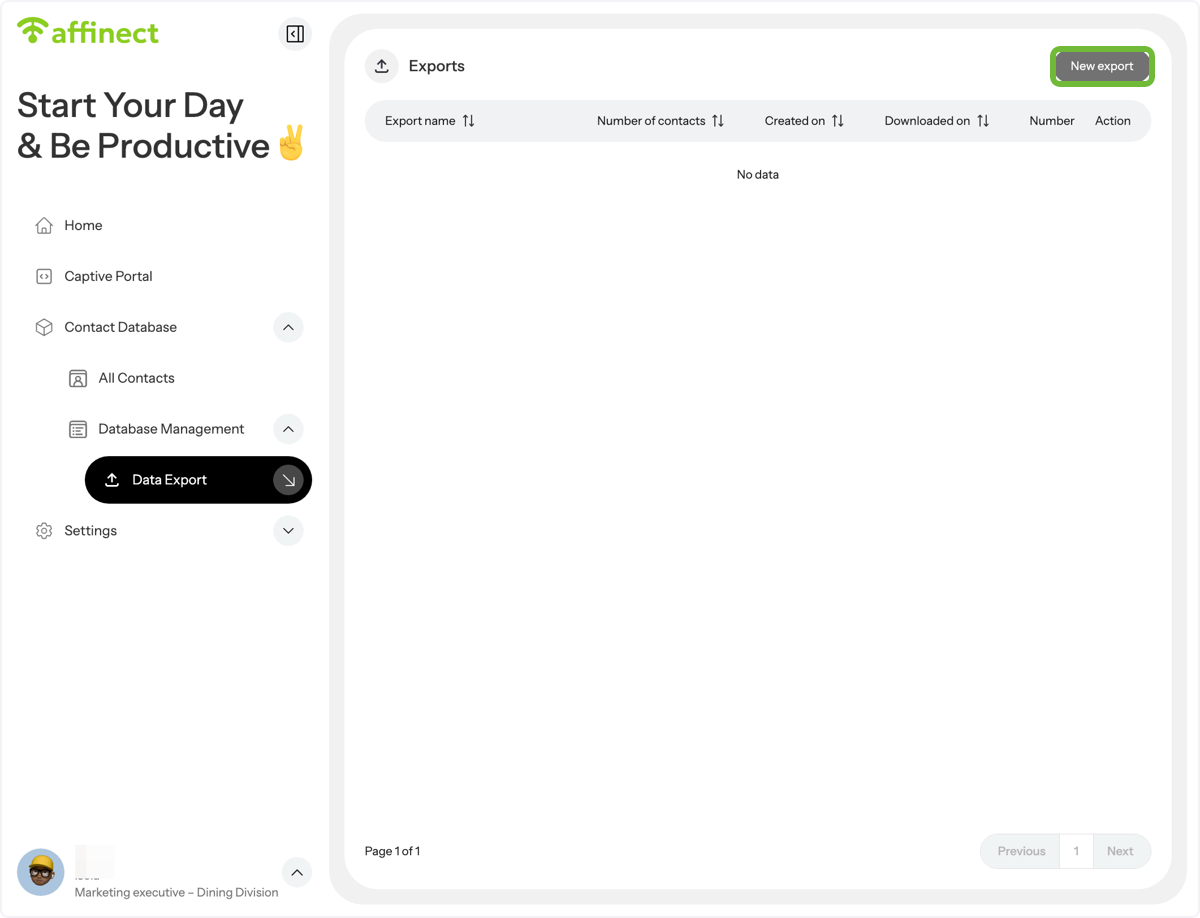
Click on New export
Name your export file
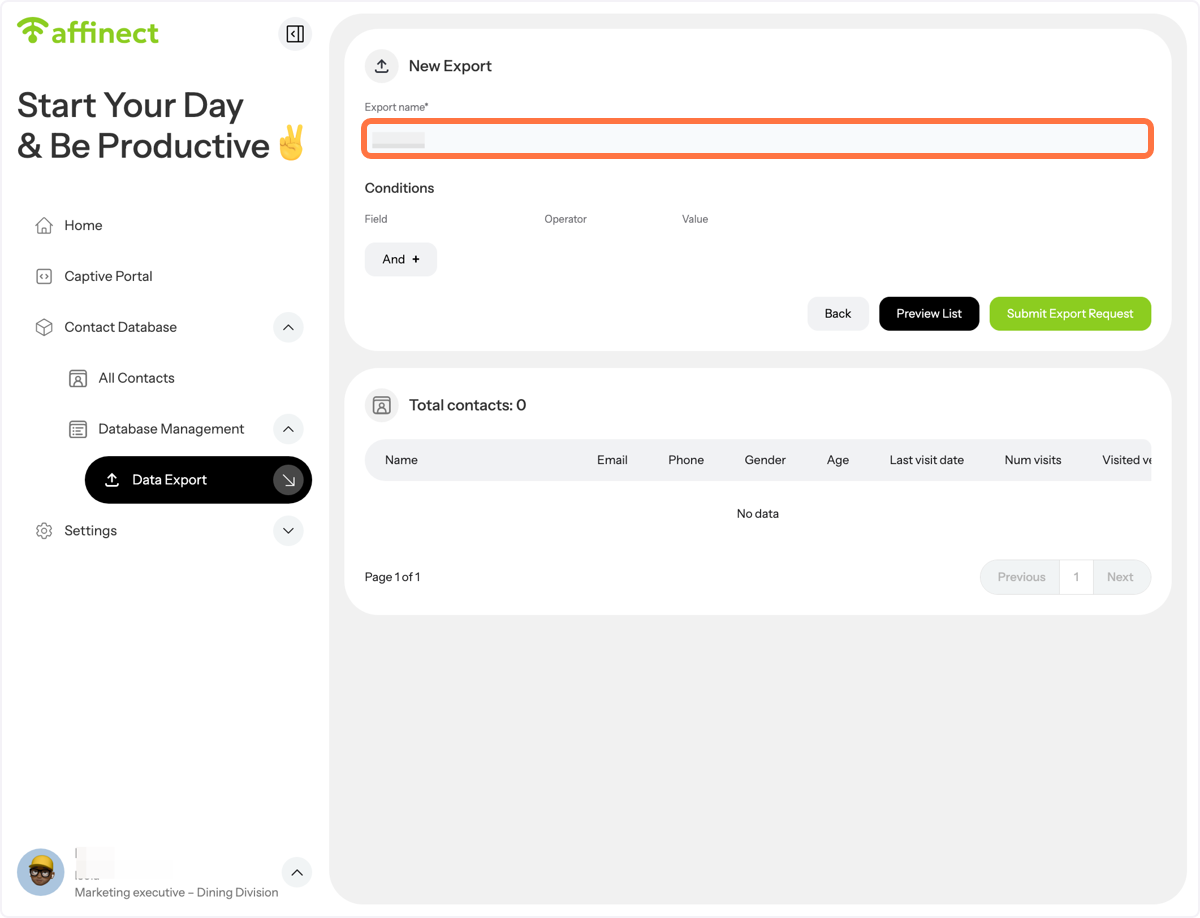
Select target condition
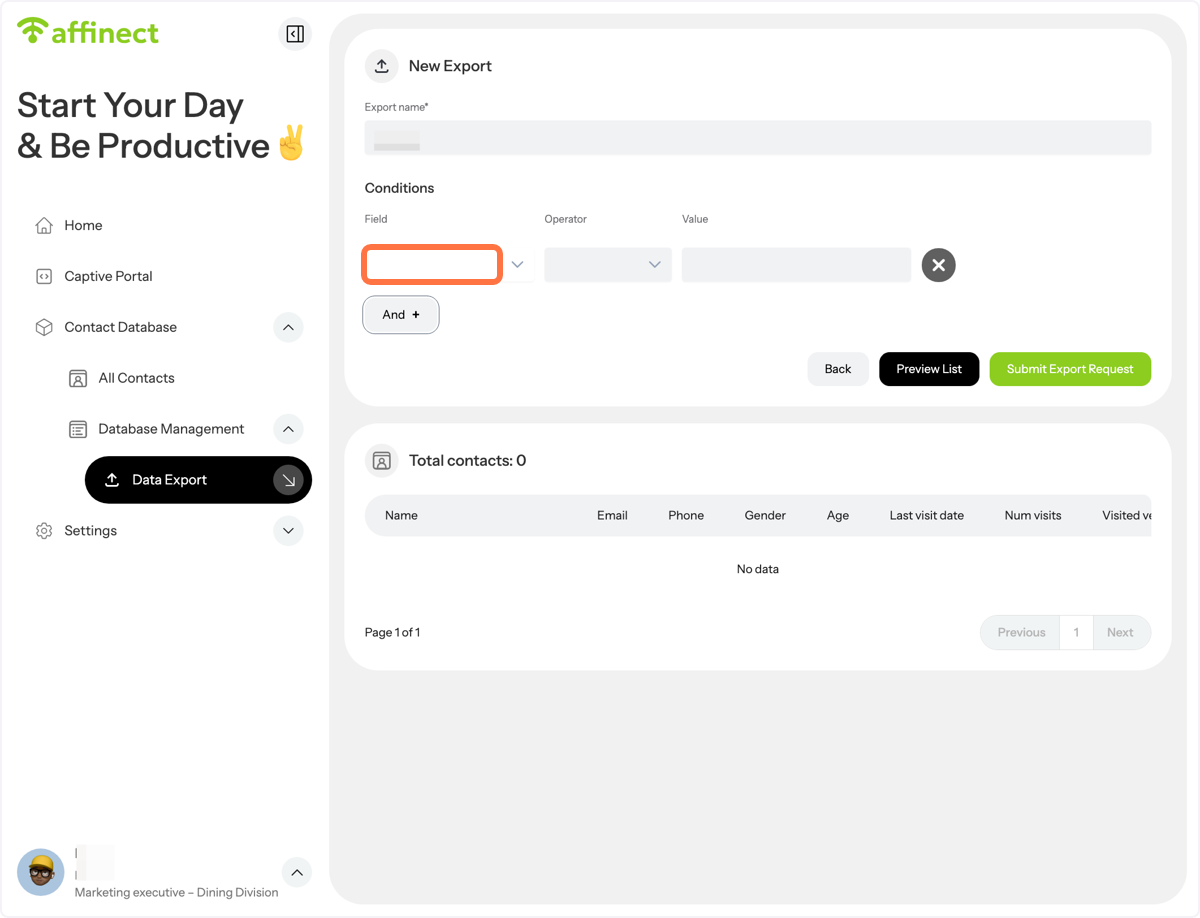
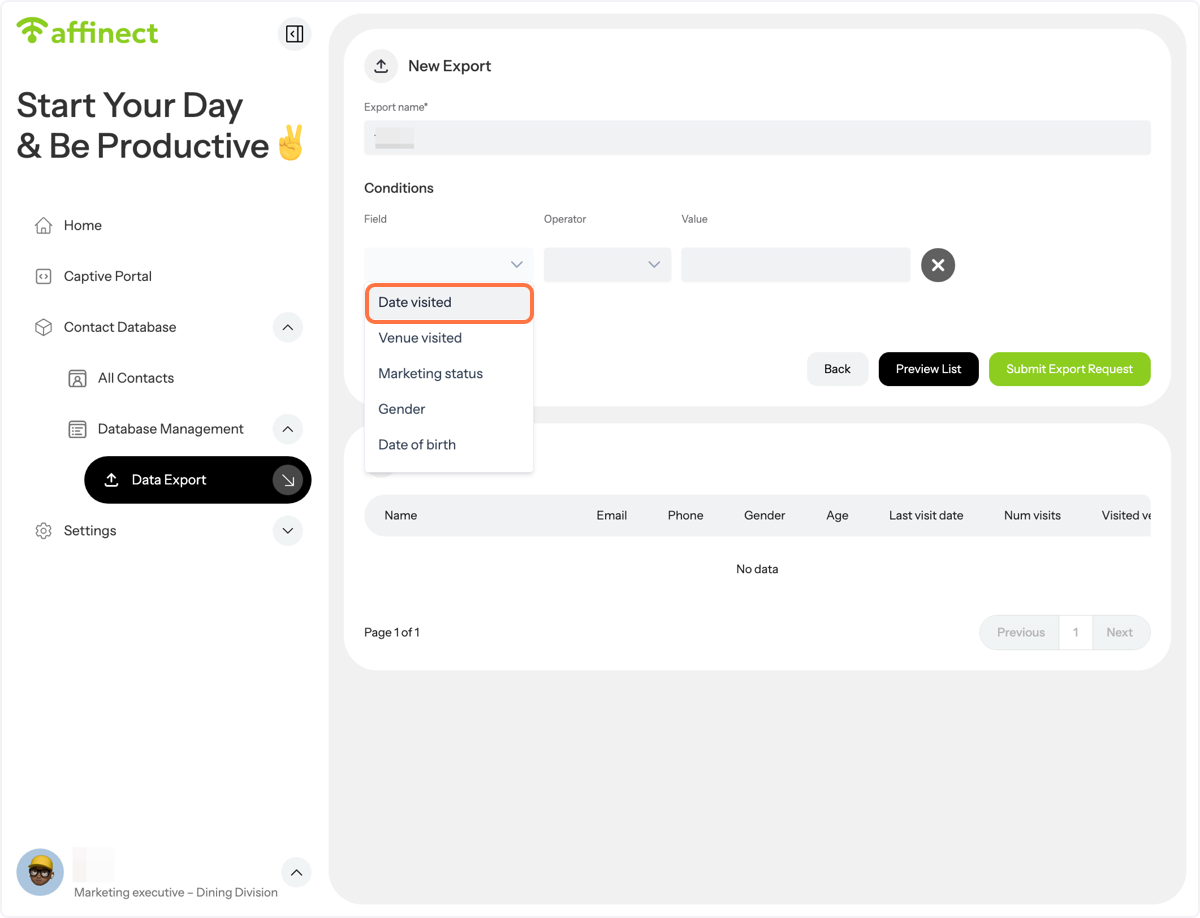
Click on Date visited
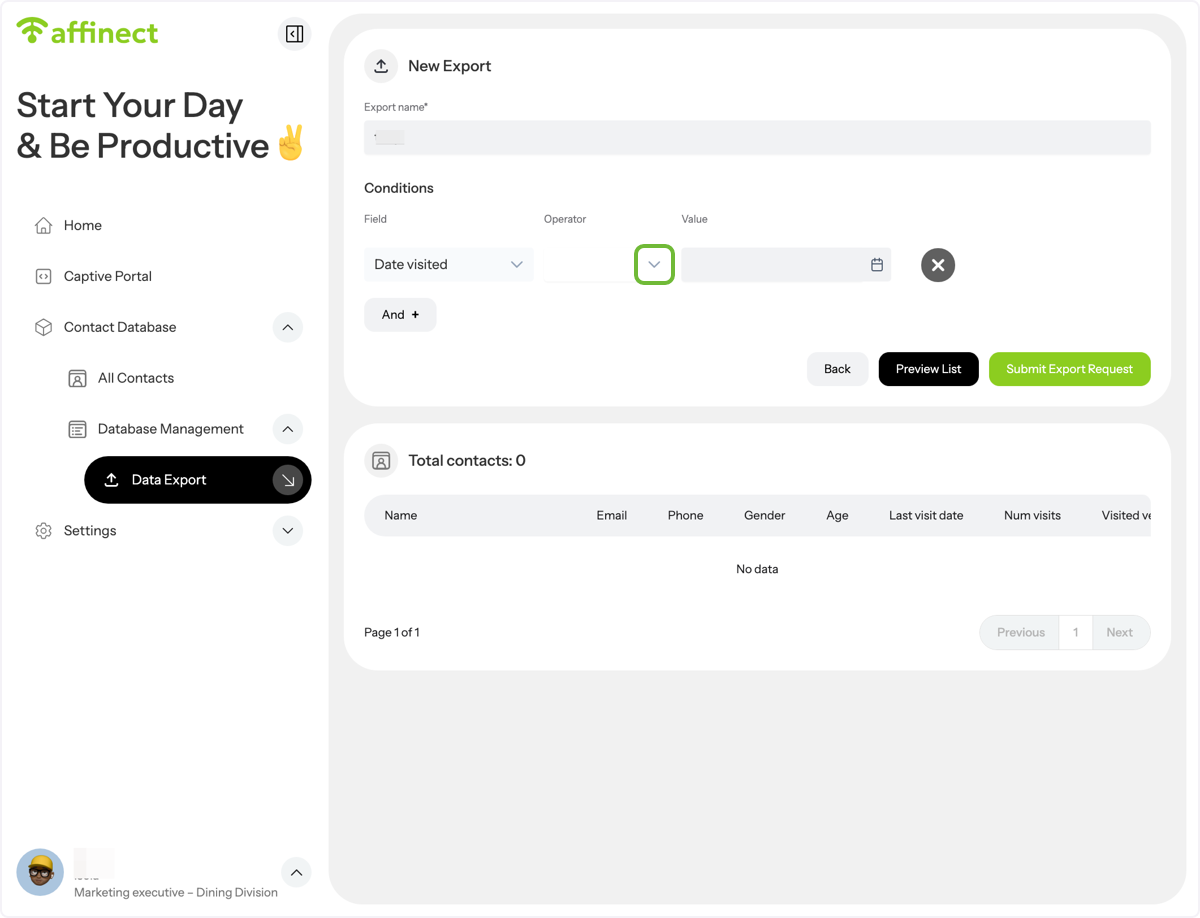
select an operator
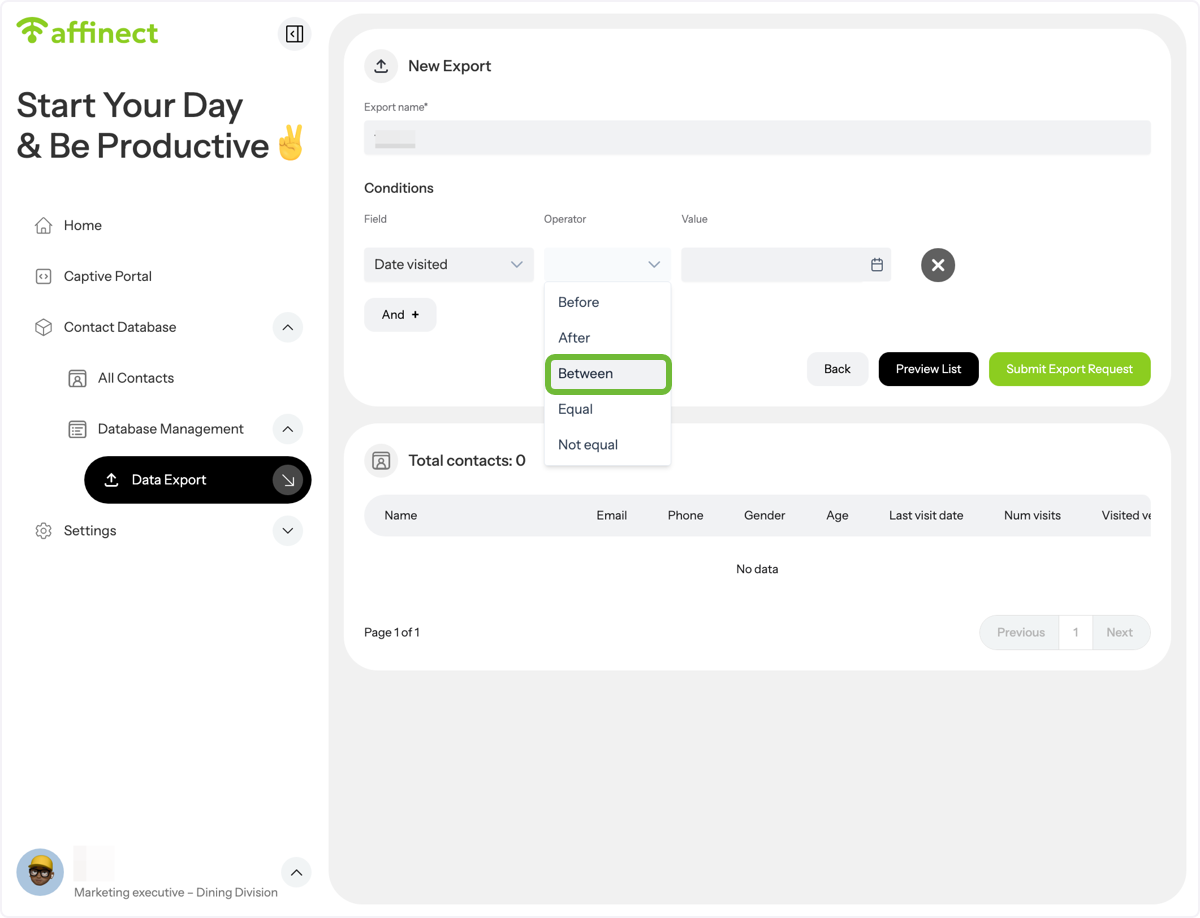
Click on Between
Select the date range
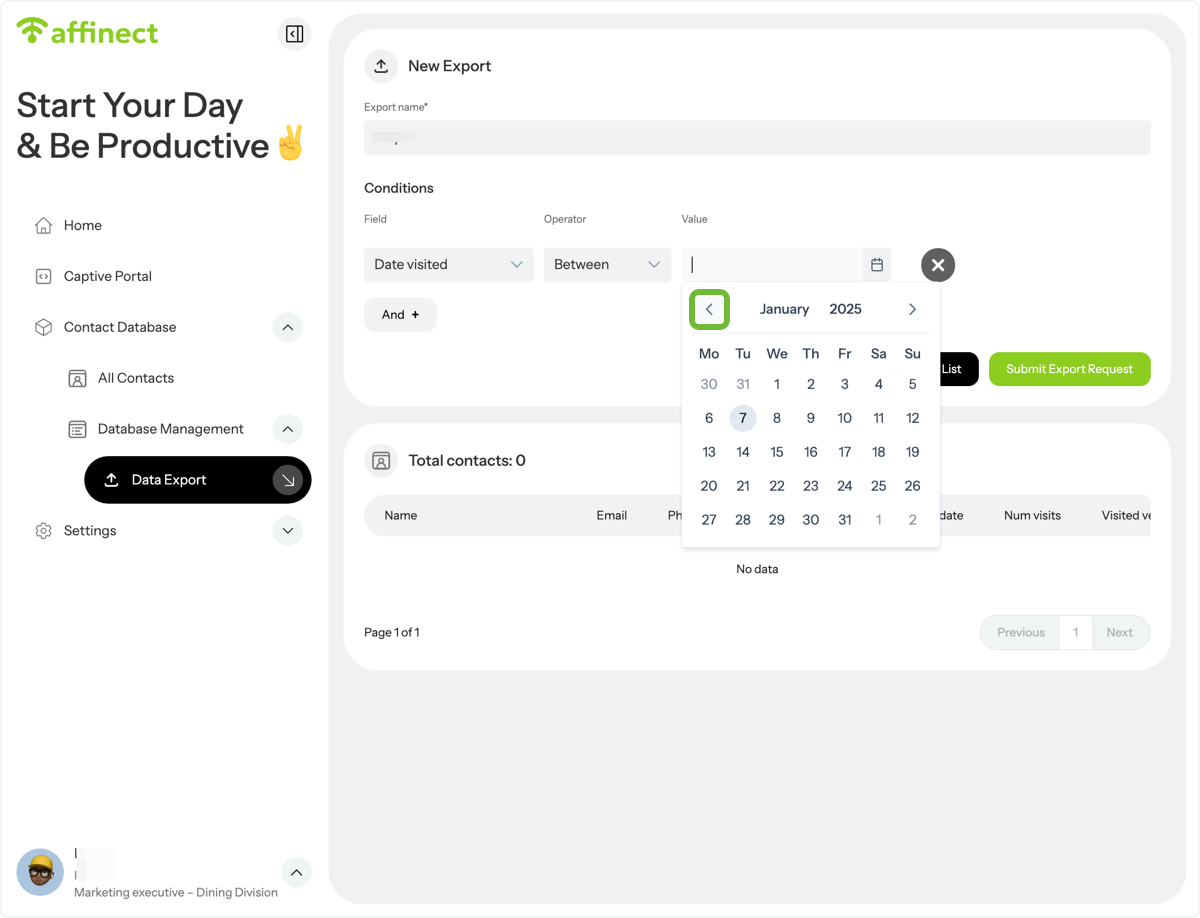
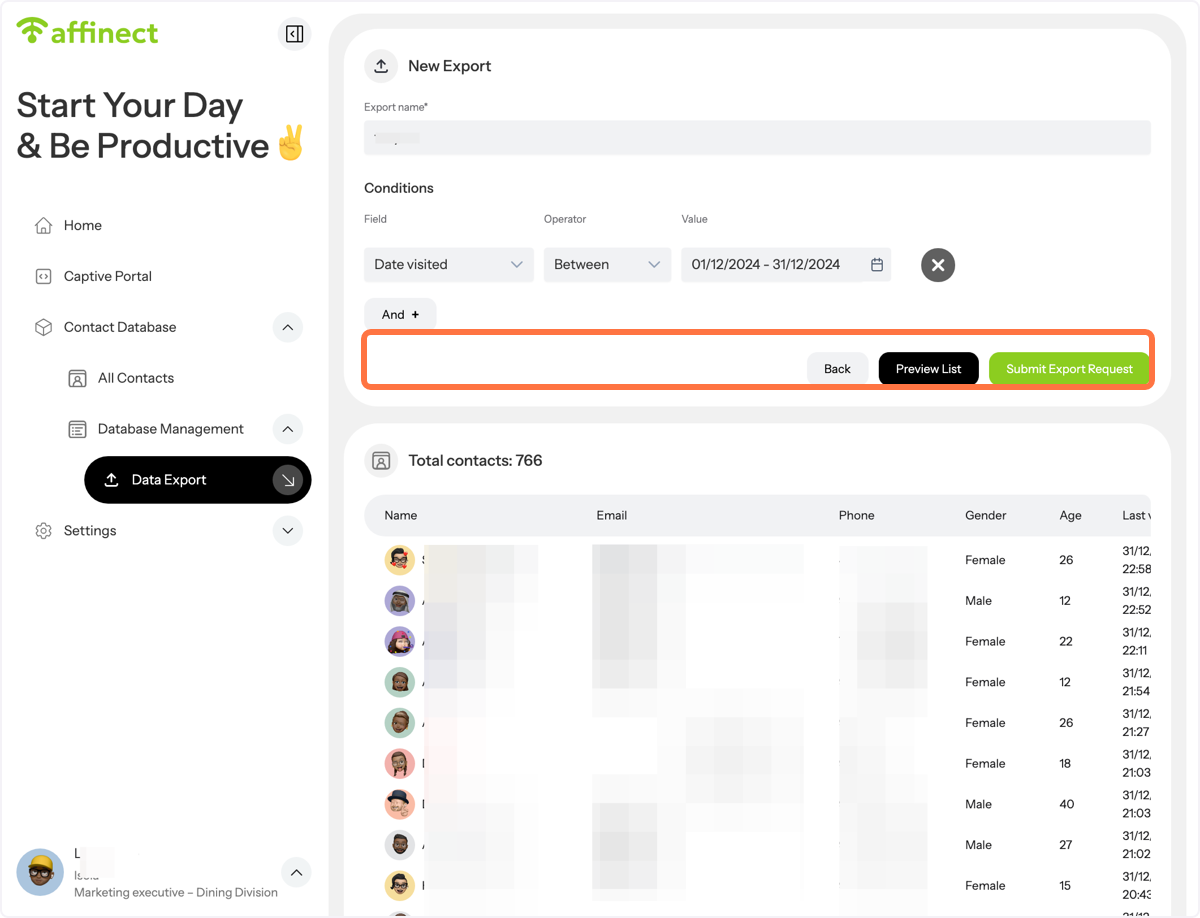
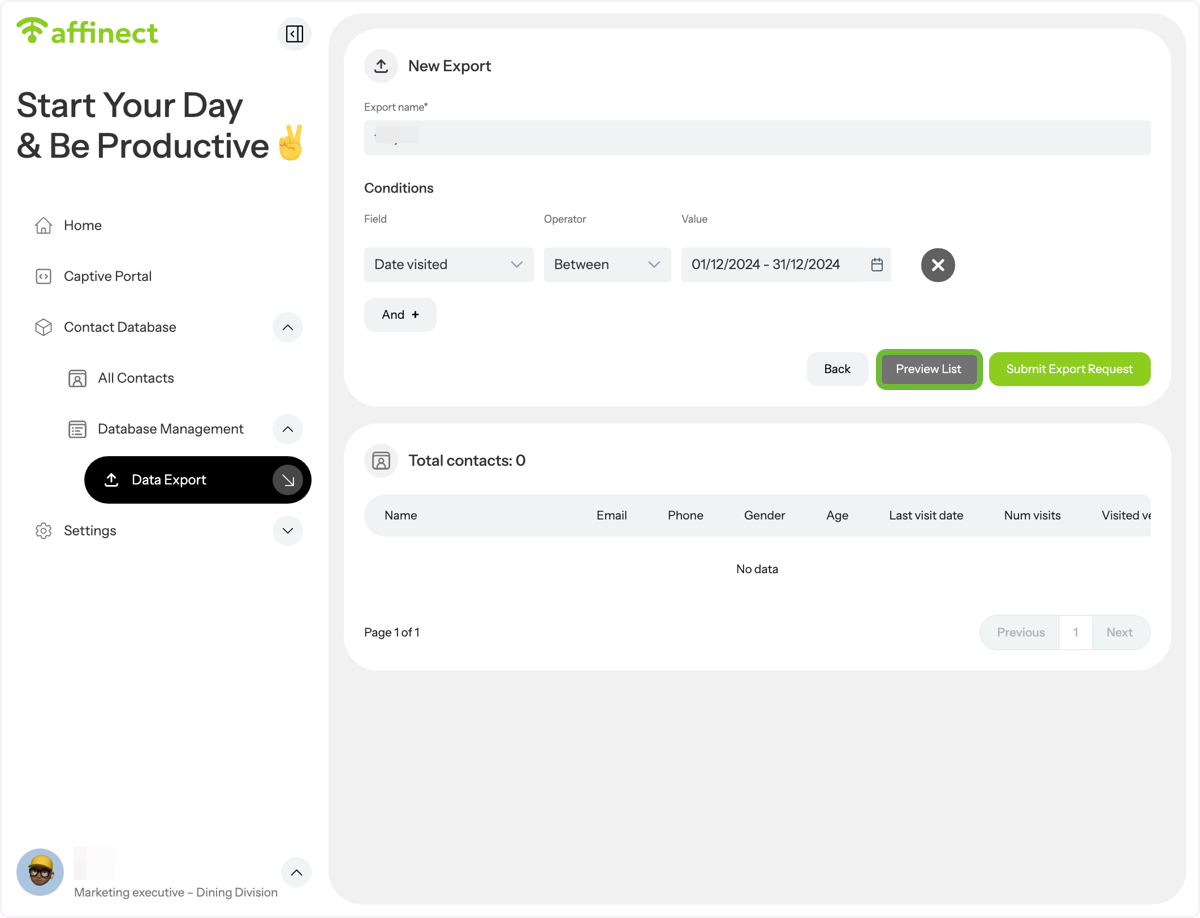
Click on Preview List to generate the contacts
Verify your list
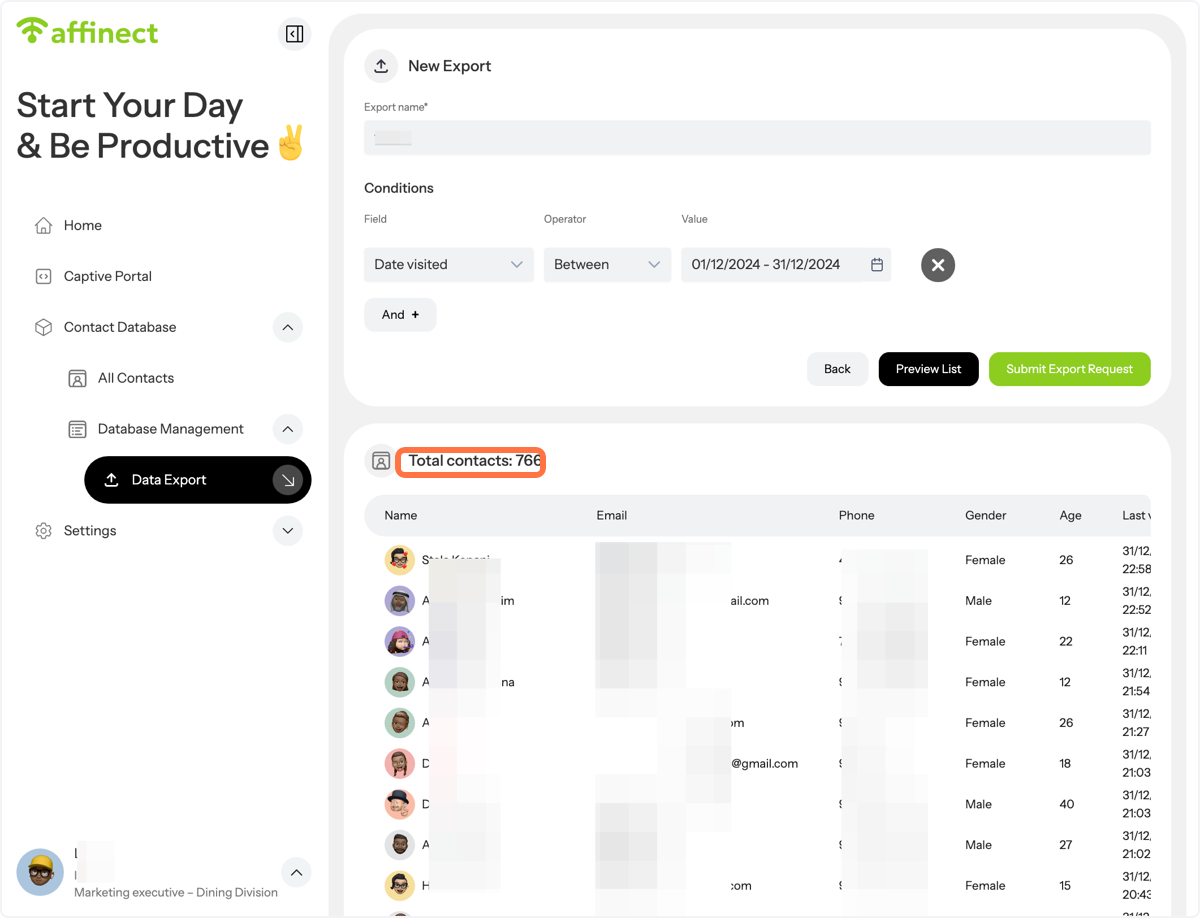
Click on Submit Export request.
The file will be sent to your inbox and you have 48 hours to download it.